Fleet Overview
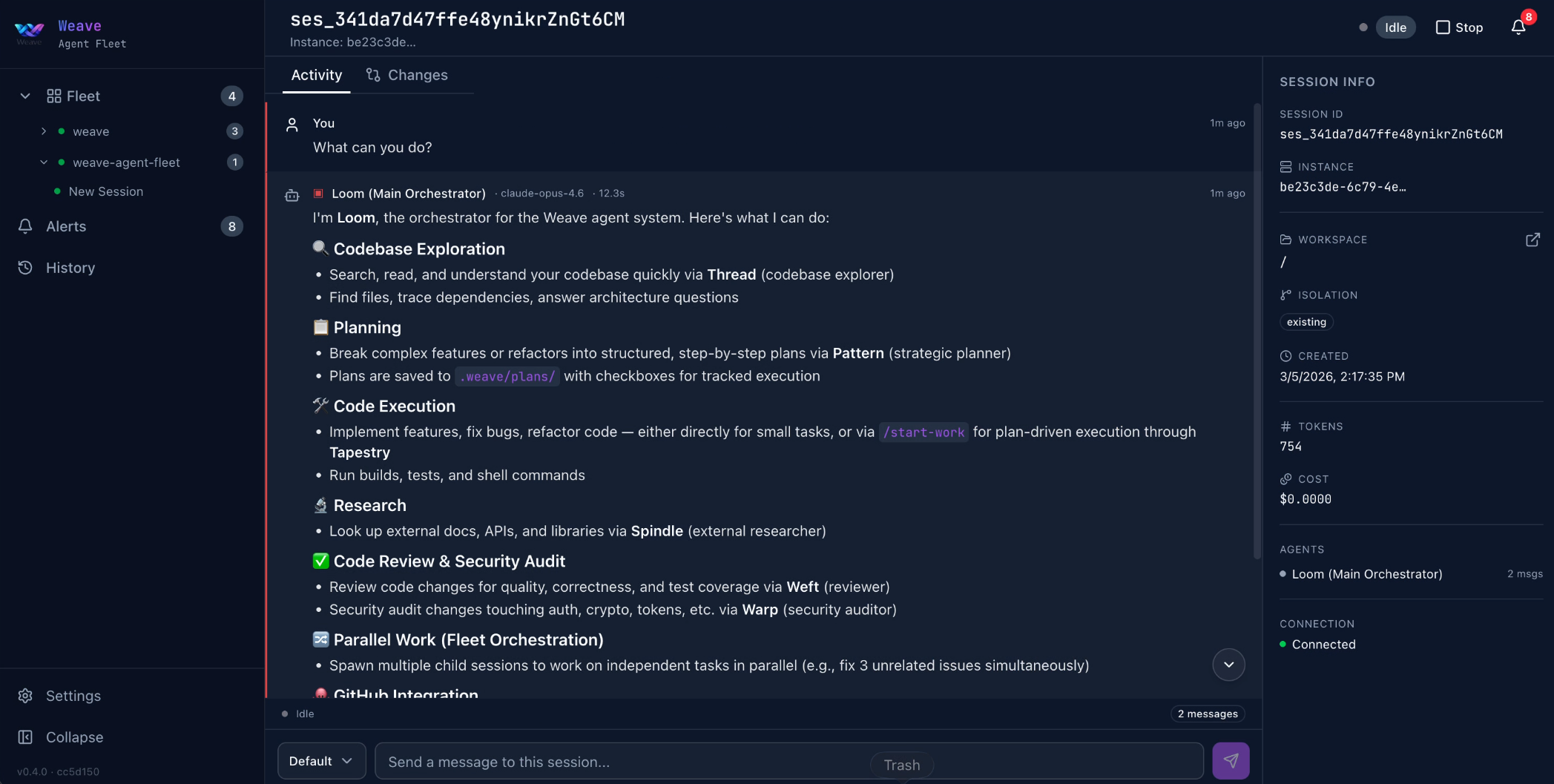
Fleet is a web-based orchestrator for OpenCode sessions. Spawn, monitor, and interact with multiple AI coding agents from a single browser tab. Each agent runs in its own isolated workspace — different repos, different tasks, zero context collision.
Key Features
| Feature | Description |
|---|---|
| Multi-session management | Spawn and monitor multiple OpenCode sessions, each in its own workspace |
| Web dashboard | Real-time UI — session status, event streams, inline diffs |
| Workspace isolation | Three strategies: existing directory, git worktree, or full clone |
| Session controls | Create, prompt, abort, resume, rename, and delete sessions |
| Notifications | Real-time alerts for session completion, errors, and permission requests |
| SQLite persistence | State persisted to ~/.weave/fleet.db — restart without losing context |
| GitHub integration | Browse issues and PRs, create sessions with full context injected |
| Cross-platform | macOS, Linux, and Windows with one-command install |
| Auto-updates | weave-fleet update pulls the latest version |
How It Works
- Install — one curl command downloads the self-contained bundle
- Launch — run
weave-fleetand openhttp://localhost:3000 - Orchestrate — spawn agents across repos, monitor progress, send prompts
Architecture
Fleet runs a Next.js server that manages OpenCode server instances. Each instance is an opencode serve process bound to a workspace directory on a unique port. Fleet communicates with instances via the OpenCode SDK. Session state is persisted to SQLite. Real-time updates flow through Server-Sent Events (SSE).
Getting Started
Ready to install? Head to Installation & Setup.